AI Agents
Multi-Agent Intelligence
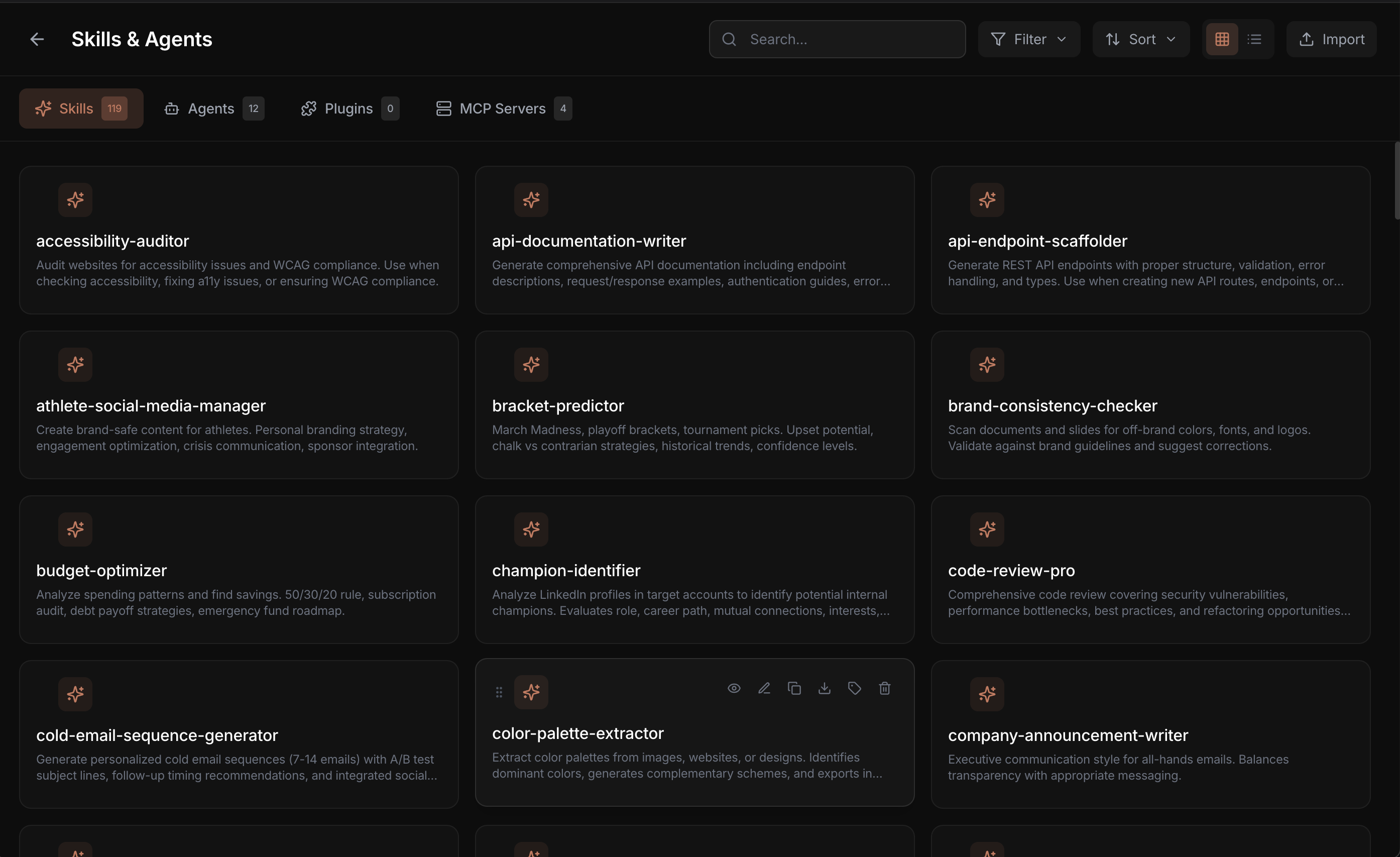
Run multiple specialized AI agents in parallel. Security audits, code review, testing, and refactoring - all at once.
Super Agent
Autonomous task execution
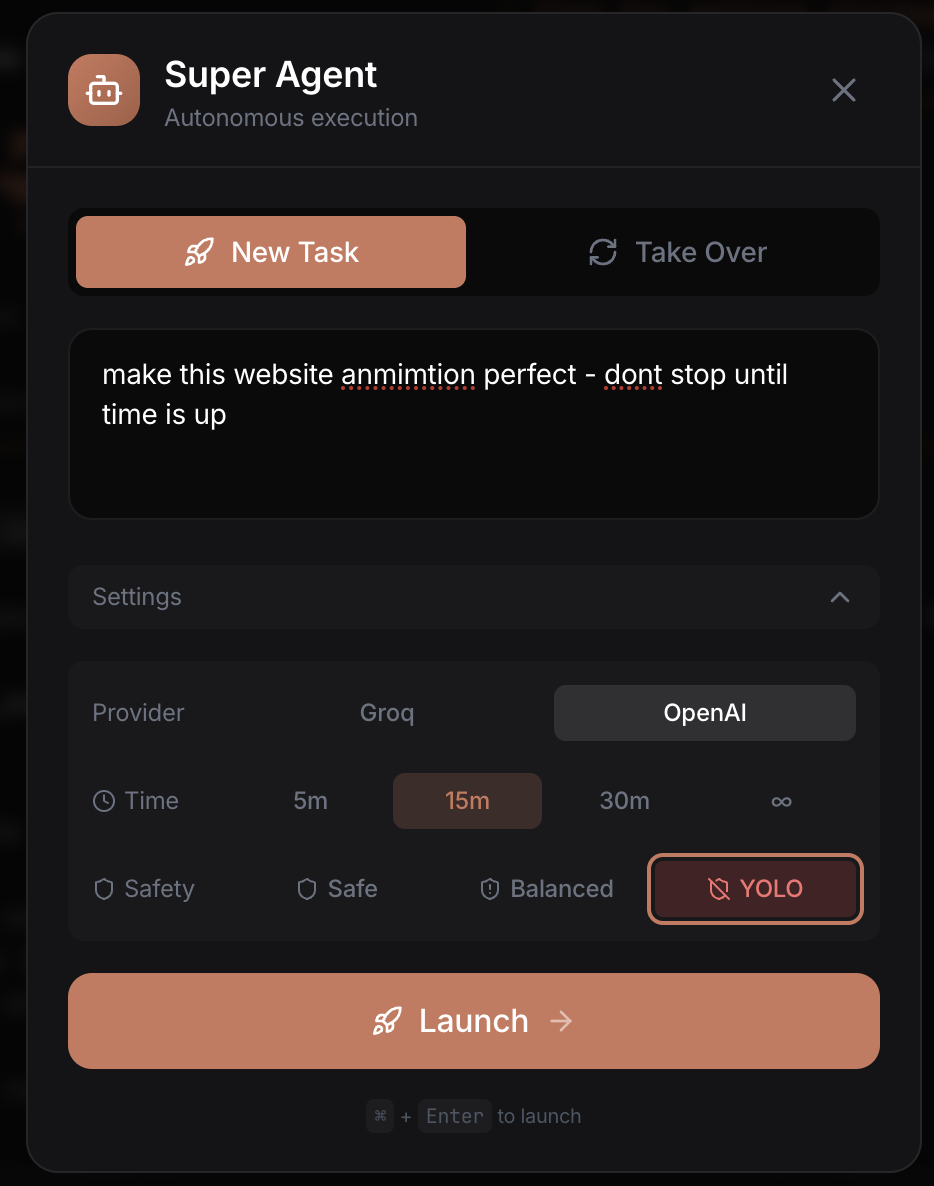
- Two-tier decisions: Instant fast-path handles y/n prompts and spinners; LLM handles creative responses
- Safety-aware: Dangerous commands detected in safe mode and routed to LLM instead of auto-approving
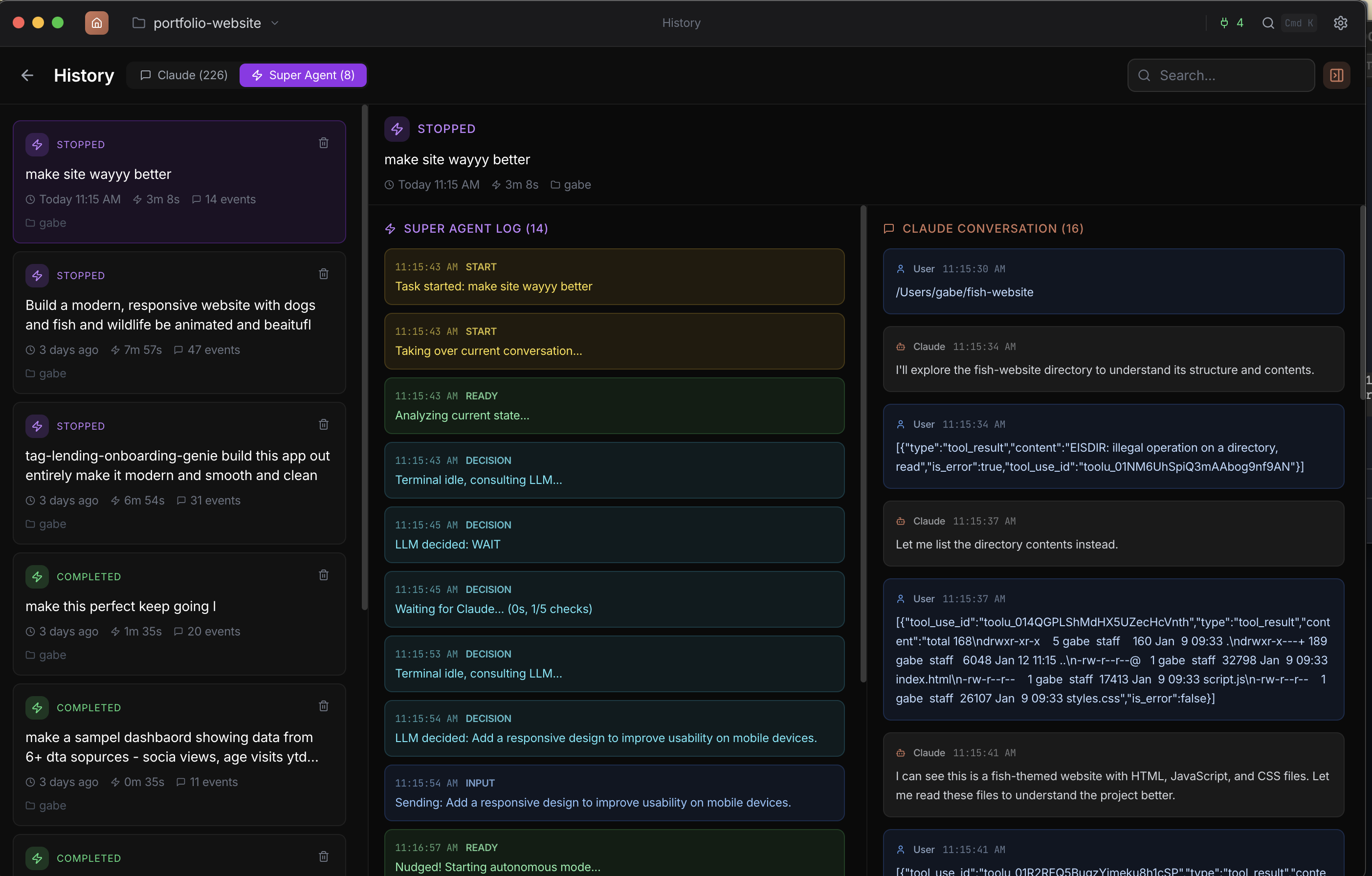
- Session stats: Live tracking of files written, tests passed/failed, and errors during autonomous runs
- Rich activity log: Color-coded entries distinguish Auto, LLM, and Approved decisions with full question context
Agent Hive (Swarm)
Multi-agent parallel execution
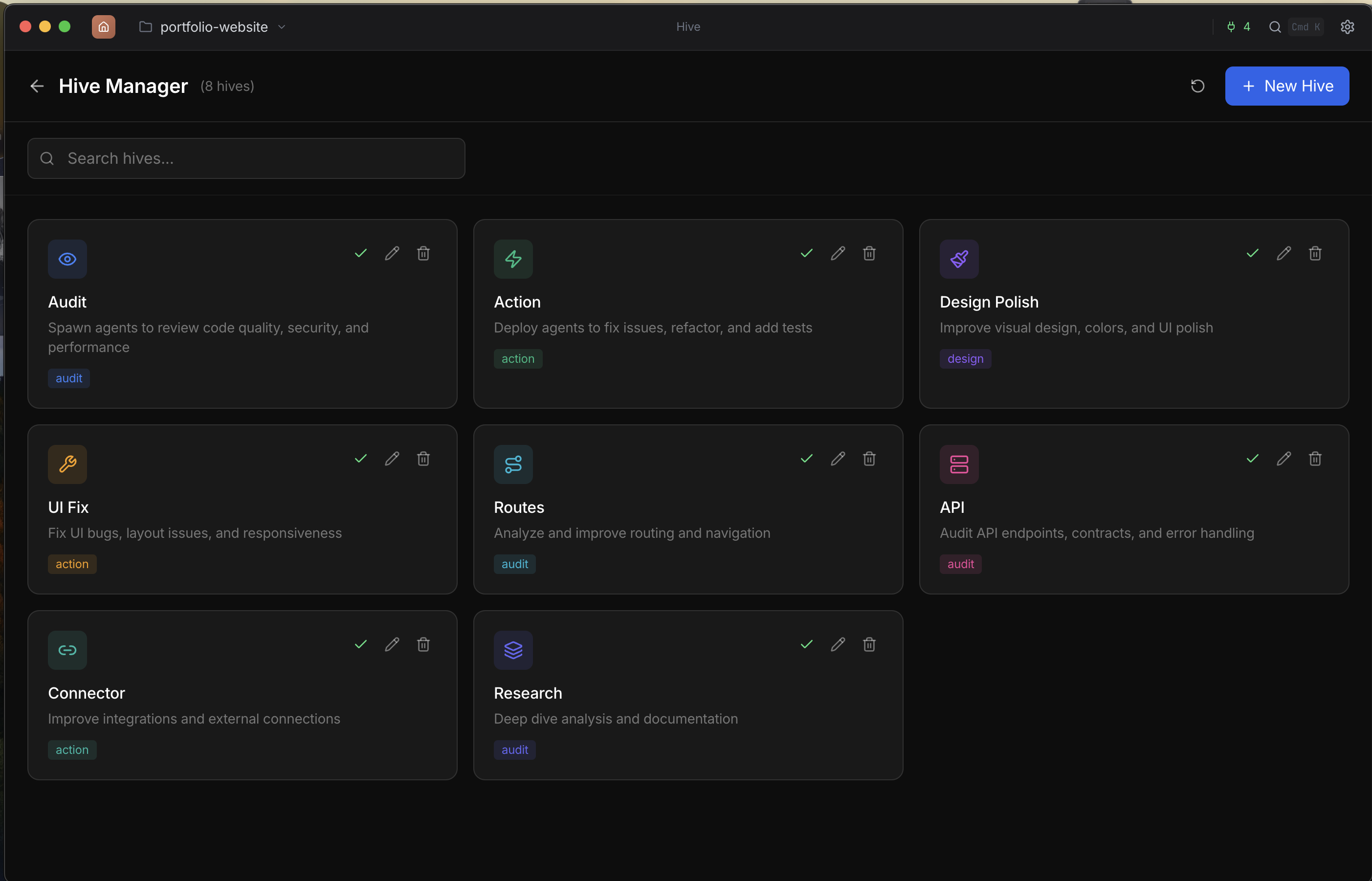
- Audit mode: Spawn 3+ agents to review security, quality, performance
- Action mode: Deploy agents to fix issues and refactor code
- Real-time progress: Visual tracking of each agent's status
- Smart selection: Claude picks the best agents for your codebase
Teams
Multi-agent coordination with shared task lists
- Lead + teammates: A lead agent spawns specialized teammates (researcher, developer, tester) that work in parallel
- Shared task list: Tasks with assignments, status tracking, and dependency management (blocks/blockedBy)
- Live progress: Auto-refreshing panel shows real-time task completion and member activity
- One-click start: Start a team from the panel and Claude analyzes your conversation to suggest the right team structure
Orchestrator
Multi-terminal agent coordination
- Auto-terminal creation: Click Launch and terminals are automatically created—no manual grid setup required
- Cross-terminal awareness: Each terminal knows what the others are doing to avoid duplicate work and file conflicts
- Smart completion: Automatically detects when tasks are done and stops the orchestrator when all terminals finish
- Error recovery: Exponential backoff retry with up to 8 attempts before marking a terminal as permanently failed
- Smart output summarization: Extracts key events from terminal output instead of naive truncation for better LLM context
- Split & Parallel modes: Decompose one task across terminals or run independent tasks simultaneously